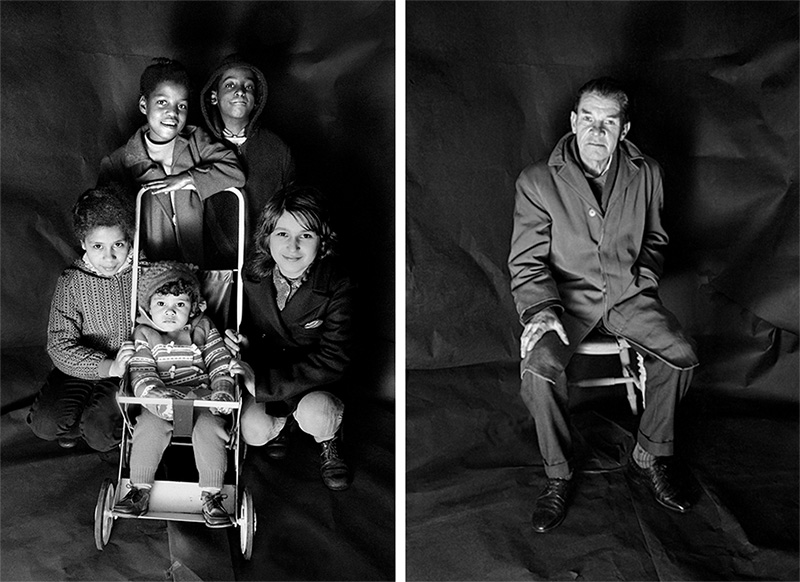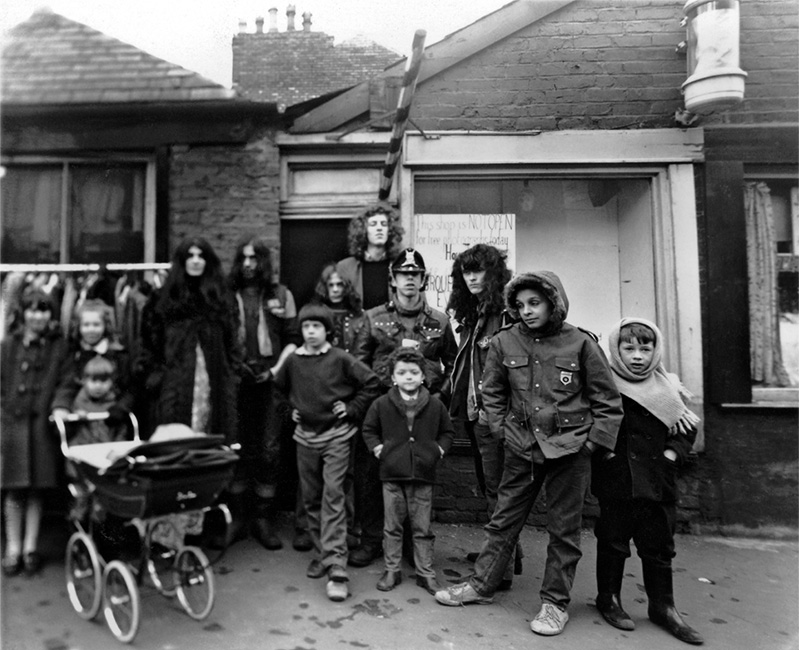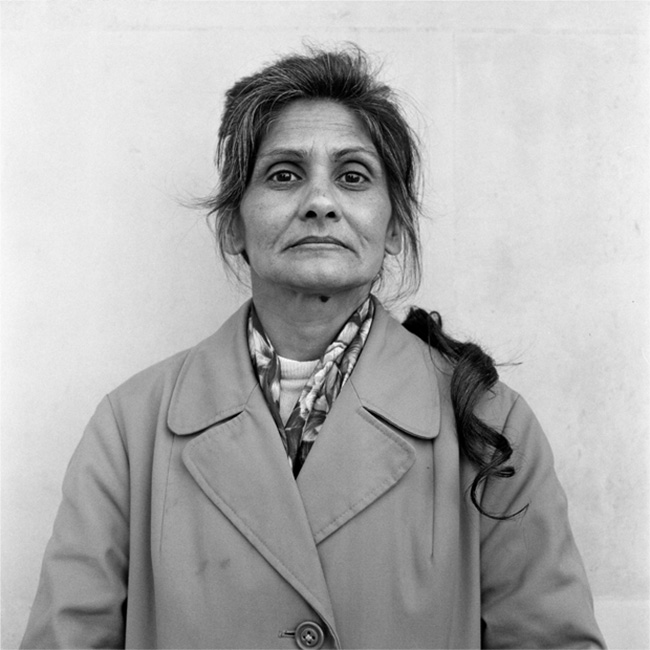

View the story in the player:
gfd
MA International Journalism (MAIJ)
module JOMEC/MCT490
CITIZEN MEDIA
module tutor: Daniel Meadows
e-mail: meadows@cardiff.ac.uk
tel: 02920 874 000 ext 77241
Bute rm. 0.60A
office hours: Friday mornings: 9.30-10.30
or by appointment
semester two
25 January to 23 April 2010
MA_MCT490_handout_2010.pdf
view/download a printer-friendly version of this module outline
use the links below (or scoll down the screen) to see the following on this page:
aims of the module
methods of teaching and learning
requirements of the module
lecture schedule
workshop schedule
learning outcomes
assessment criteria
recommended reading
personal development planning
--------------
AIMS OF THE MODULE
This is a practical module. It requires you to be creative. You will each make a Digital Story -- a short, personal tale, a "multimedia sonnet" -- produced to broadcast quality and output to disc. You will learn to work collaboratively, discovering and sharing skills of the new literacies, skills that enable citizens to do media for themselves rather than "be done" by it.
back to the top
METHODS OF TEACHING & LEARNING
The number of students on this module is restricted to 20. In the lectures relevant production tools and the processes for using them will be discussed and demonstrated. The learning of practical skills is cumulative and the subject matter of the lectures is linked to the subject matter of the workshops. Each week you will attend one lecture and one practical workshop. (Note: the workshop numbers are restricted to 10, so each week's workshop will be repeated.) Dedicated multimedia equipment will be provided. Away from the classroom you will be expected to gather your multimedia assets including images, prepare drafts of your script, work on building your output DVD and keep a reflective log of your progress.
back to the top
REQUIREMENTS OF THE MODULE
At or before 4.30 pm on Friday 23 April 2010 you will deliver two pieces of work: a reflective log (c/w lecture and tutorial notes) and the finished Digital Story presented on DVD.
There will be an interim assessment following the third lecture (Week 4 deadline Friday 19 February) when you will be required to hand in a finished script. This will not be marked but failure to meet this deadline will result in marks being deducted from your final total.
IT IS A REQUIREMENT OF THE MODULE THAT YOU DO NOT MISS ANY OF THE TAUGHT SESSIONS.
If you are unwell or need to be absent from a scheduled class for some other reason then you must inform the course tutor in advance.
back to the top
LECTURE SCHEDULE
Lectures take place in Bute rm.0.62 on Friday mornings 11-12.30 (length 1 hour 30 mins).
1. 29 January 2010: Introduction to the module. Allocation of computers.
2. 5 February 2010: Digital Storytelling, BBC Capture Wales. Story examples.
3. 12 February 2010: Introduction to the multimedia computer.
4. 19 February 2010: Demonstration of how to record & edit your voice-over.
5. 26 February 2010: NO LECTURE TODAY (use the period 20 Feb to 5 March to work in pairs recording & editing your voice-over, booking time in the ISDN radio studio if necessary).
6. 5 March 2010: Demonstration of how to prepare photographs using image manipulation software.
7. 12 March 2010: Demonstration [i.] of non-linear video editing.
8. 19 March 2010: Demonstration [ii.] of non-linear video editing.
-- Easter break 20 March to 11 April 2010 --
9. 16 April 2010: Demonstration of making an archived performance DVD.
back to the top
WORKSHOP SCHEDULE
You will divide into two groups for the workshops. This, principally, is to ensure that each of you has the exclusive use of a multimedia computer while you are learning how to use it. Group One meets in Bute rm. 0.62 on Friday afternoons 1.30-3.00. Group Two meets in Bute rm. 0.62 on Friday afternoons 3.15-4.45.
The workshops are as follows:
1. 29 January 2010: Story Circle.
2. 5 February 2010: Story Circle.
3. 12 February 2010: Story Readings.
4. 19 February 2010: Voice-over recording & editing i.
5. 26 February 2010: Voice-over recording & editing ii.
6. 5 March 2010: Image capture & image sizing.
7. 12 March 2010: Non-linear video editing i.
8. 19 March 2010: Non-linear video editing ii.
-- Easter break 20 March to 11 April 2010 --
9. 16 April 2010: Making a presentation DVD.
back to the top
LEARNING OUTCOMES
1. Knowledge and Understanding: from both the lectures and the workshops you will acquire knowledge and understanding of the importance and extent of Citizen Media practice; you will learn to embrace the "scrapbook aesthetic" and you will be able to make your own Digital Story.
2. Intellectual Skills: You will acquire knowledge of some of the thinking which has led to Citizen media experiments across the world. You will learn to think as a multimedia practitioner.
3. Discipline Specific Skills: You will acquire practical skills in the tools of multimedia production. You will also acquire some criteria for assessing the value of Citizen Media projects.
4. Transferable Skills: You will acquire the ability to originate a script for a personal story of 250 words; picture editing computer skills sufficient to produce and size still images for broadcast; audio/computer skills sufficient to produce sound recordings for a voice-over track; software skills sufficient to edit and produce a completed work of rich media. You will also be able to demonstrate some understanding of what it takes to facilitate others in the making of a Digital Story.
back to the top
ASSESSMENT CRITERIA
Project Work: 75% of the mark will be awarded for the project work as follows:
* Is your output DVD well designed and does it work technically? (25% of total mark).
* Is your story a "good watch" for viewers? (25% of total mark).
* Is your story an example of good editorial practice, and does it comply with the laws of copyright? (25% of total mark).
Course Work: 25% of the total mark will be awarded for the production of a reflective log as follows:
* Does your log give a full account of your experience of the module, including background reading?
NOTE: This module will not be marked anonymously.
Module_Mark_Sheet.pdf
view/download a printer-friendly version of the module mark sheet
back to the top
RECOMMENDED READING
* Gillmor, D. 2004. We the Media. Sebastopol (CA): O'Reilly. (Bute Library PN4784.O6.G4).
* Illich, I. 1975. Tools for Conviviality. London: Fontana. (Bute Library HD6955.I5 and other libraries).
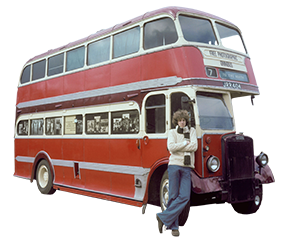
* Meadows, D. 2001. The Bus: The Free Photographic Omnibus 1973-2001. London: Harvill. (Bute Library PN4784.P5.M3).
TECHNICAL MANUAL
* Meadows, D. 2006. How To Make Digital Stories using iMovie HD in Apple's iLife '06. Tutorial notes.
Download a .pdf version, file size 2.3 MB (link opens in a new window).
INTERNET
(all links open in a new window)
* Atchley, D. 1999. Next Exit. Click on the Digital Drive-in. On the left hand panel click on "Next Exit Stories". When you come to them, the best one to start with is "Home Movies". But, with your speakers turned down, let it download first before you play it, otherwise the surprise of the story will be spoilt. You'll need Quicktime.
* BBC Capture Wales Digital Storytelling.
* BBC Editorial Guidelines.
* Center for Digital Storytelling, Berkeley, California.
* Meyer, Pedro. 1991. I Photograph to Remember. Now available for iPod.
* Media Storm.
* Oh My News.
* The Trachtenburg Family Slideshow Players.
back to the top
PERSONAL DEVELOPMENT PLANNING
Brainstorming story ideas (the importance of listening and being listened to); how to get to the heart of a story; structuring a narrative for best audience impact; presentation skills (narrating); constructing a narrative from a combination of pictures and words; using multimedia; thinking about the audience. All of these are transferable skills.
back to the top