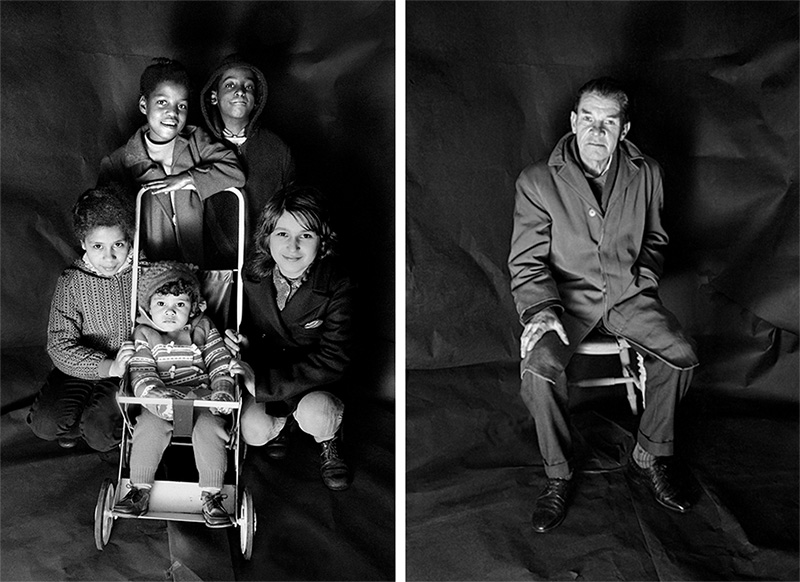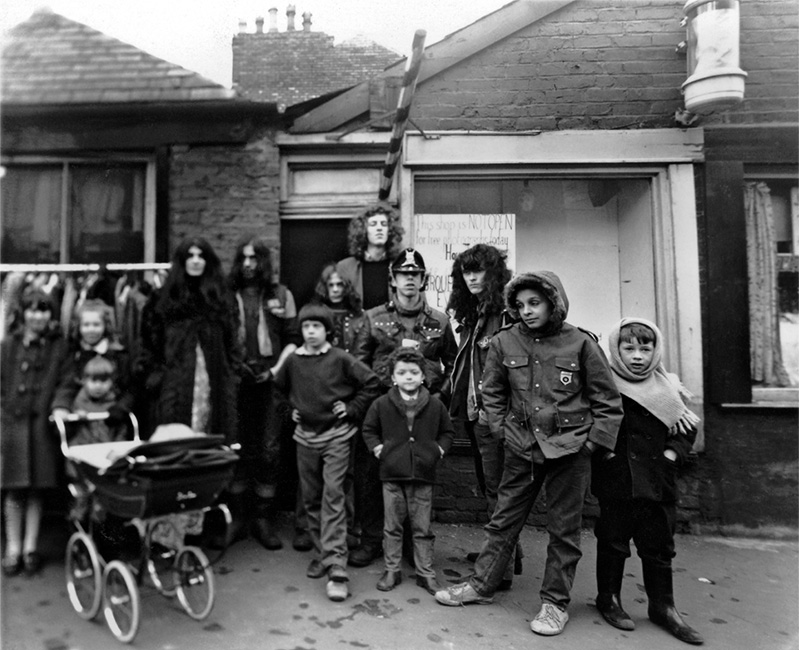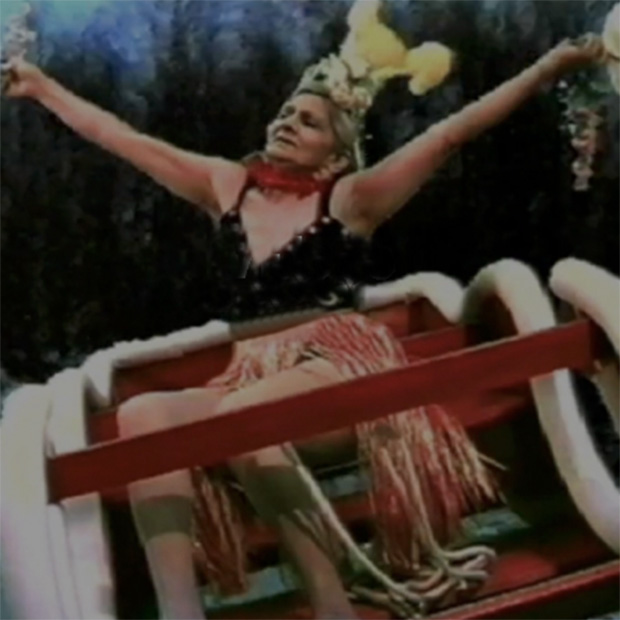

View the story in the player:

Tutorials

On this page are (scroll down or use the links):

* Tips for writing a script for a Digital Story
and, when you've written it...
* Digital Storytelling tutorial manuals to download.

--------------


WRITING A SCRIPT

A story is more than just words.
A Digital Story is personal. It's told from the heart with feeling and makes frequent use of the word "I". The narrative of a Digital Story is revealed in both words and pictures.

A great piece of writing doesn't always turn into a great voice-over, for a voice-over is written to be spoken. No one listening can see spelling errors or bad grammar so write it as you would speak it, it's not an address or a lecture but it is a considered narrative.

So much depends upon the way that you deliver it. Your voice is unique and its sound is important to the meaning of your story. You are not an announcer. You are not merely performing lines. You are narrating the story as you would tell it to a friend. If you "posh it up" or use a manner of speaking which is not your own, you will spoil it. Be yourself.

The precise word count is less important than the rhythm with which the words are delivered.
For a story of two minutes, the script should be about 250 words long. Be aware, though, that most stories benefit from pauses, gaps in the voice-over where the pictures are allowed to carry the narrative by themselves. It can also be useful to vary the pace of your delivery -- slow bits and fast bits.

In a two minute piece there is plenty of time to lose your way. A story is like a journey and it is very easy to set off in the right direction and yet never reach your destination. When you get to the end you should be able -- as it were -- to look back over your shoulder and still see the place you set out from. So, while you are writing, keep asking yourself: "What is my story about?" Do not include anything which dilutes the story's intention.

Think how few words and pictures you need to tell the story, not how many.
There is never any need to describe what the viewer can already see, or vice versa. It is only necessary to tell us things that we cannot work out for ourselves from the pictures and, even then, only things which keep the story moving on. Remember you must leave space for the viewer's imagination to do its work.

Music and sound effects can very easily create the wrong mood.
Music can be useful when it comes to creating mood but it's always more satisfying to use music and sound effects which you have created for yourself. If you aren't musical (is there anyone out there who never hums a tune or whistles one occasionally?) then work with a friend who is. Digital Storytellers use sound effects sparingly.

And remember...
There are no right or wrong ways of telling a story, only clear ways.

back to the top

--------------


TUTORIAL MANUALS

Here are three how-to-do-it tutorials for people who want to make Digital Stories. Click the icons to download them as .pdf files.

Apple Mac version
How to make Digital Stories using iMovie HD in Apple's iLife '06.
iMovieHD_'06_tutorial.pdf

Click the .pdf logo and the file (2.3 Mb) will open in a new window. When open, download it by clicking 'Save a Copy' in the menubar (or go FILE > SAVE AS...).

I wrote this tutorial for my Cardiff University students but it has also proved popular with former participants of the BBC's Capture Wales workshops and others using still photographs to make Digital Stories.

Note: The versions of iMovie which come with iLife '08 and iLife '09 are not suitable for making Digital Stories and, although (for a while) Apple did allow those of us who preferred iMovie HD '06 to continue downloading it for free, on 1 February 2009 that service was discontinued. The best way forward for Apple users is to invest in Final Cut Express 4.0 (£126).

Windows PC version
Adobe Premiere Pro v.1.0 for Windows XP: a tutorial.
premierePro_tutorial.pdf.

Click the .pdf logo and the file (846.3 Kb) will open in a new window. When open, download it by clicking 'Save a Copy' in the menubar (or go FILE > SAVE AS...).

Adobe Premiere is my software of choice for making Digital Stories. It is much more versatile than iMovie although, it has to be said, harder to learn. Many in Wales are still using my original Premiere tutorial written for the Apple version of Premier v.6 and v.6.5 (software which worked the same on both Apple and Windows machines). That tutorial, however, is not relevant to the more recent versions of Premiere.

The tutorial here is for the version of Adobe Premiere Pro which was released between 2004 and 2006 and which worked only with Windows PCs. Originally I attached a disc of practice files which (because some of them were very large) sadly are not part of this download. But it is still a good tutorial.

Note: In its latest version (Adobe Premiere Pro CS3) Premiere is once again available for both Apple Mac and Windows PC users.

The Complete BBC Capture Wales Guide to Digital Storytelling
aguidetodigitalstorytelling-bbc.pdf

Click the .pdf logo and the file (232 Kb) will open in a new window. When open, download it by clicking 'Save a Copy' in the menubar (or go FILE > SAVE AS...). There's an online version too (link opens in a new window).

My old gang at BBC Wales produced this in their last big push before they were disbanded in March 2008. It's a 47 page 'bible' on everything you need to know about running Digital Storytelling workshops, from 'picking an ideal venue' to the 'ten things you need to show someone who has never used a computer before'.

It's a fine document. Of special interest to anyone wanting to push and stretch the Digital Storytelling form are Lisa Heledd's three key principles of participatory media (see pp 33/34). These are:

1. That the story told should be a strong story. The job of the facilitator is to help the storyteller to tell their story in the very best way that that person possibly can tell it.
2. That skills are transferred. The job of the facilitator is to pass on both storytelling and technical skills to workshop participants.
3. Ownership. The person telling the story must feel that they have complete control over that story.

If you ignore these principles then, as Lisa writes, "it's a slippery slope to old fashioned smash and grab journalism."

To this list I would add only the absolute need that what is made must be shared. It ain't over until it's been screened in front of an audience.

So, as Jello Biafra says: "Don't hate the media. Become the media." Or, as I say: "If you don't want to be done by media, do it yourself."

Good luck!

back to the top

Wish You Were Here
r/t: 2 min, 57 sec.
A story by Teri Scheinzeit. A singer-songwriter with a day job in Manhattan, Teri and her film editor partner Stuart Dworeck were among a group of arts professionals for whom I ran a workshop in New York City in April 2006.
Site created by Webizm